Slides Remote turns your iPhone, Apple Watch or Android phone into a presentation remote. Read the notes for the slide you're on, and finish on time.
iPhone · Apple Watch · Android · Wear OS → Mac · Windows
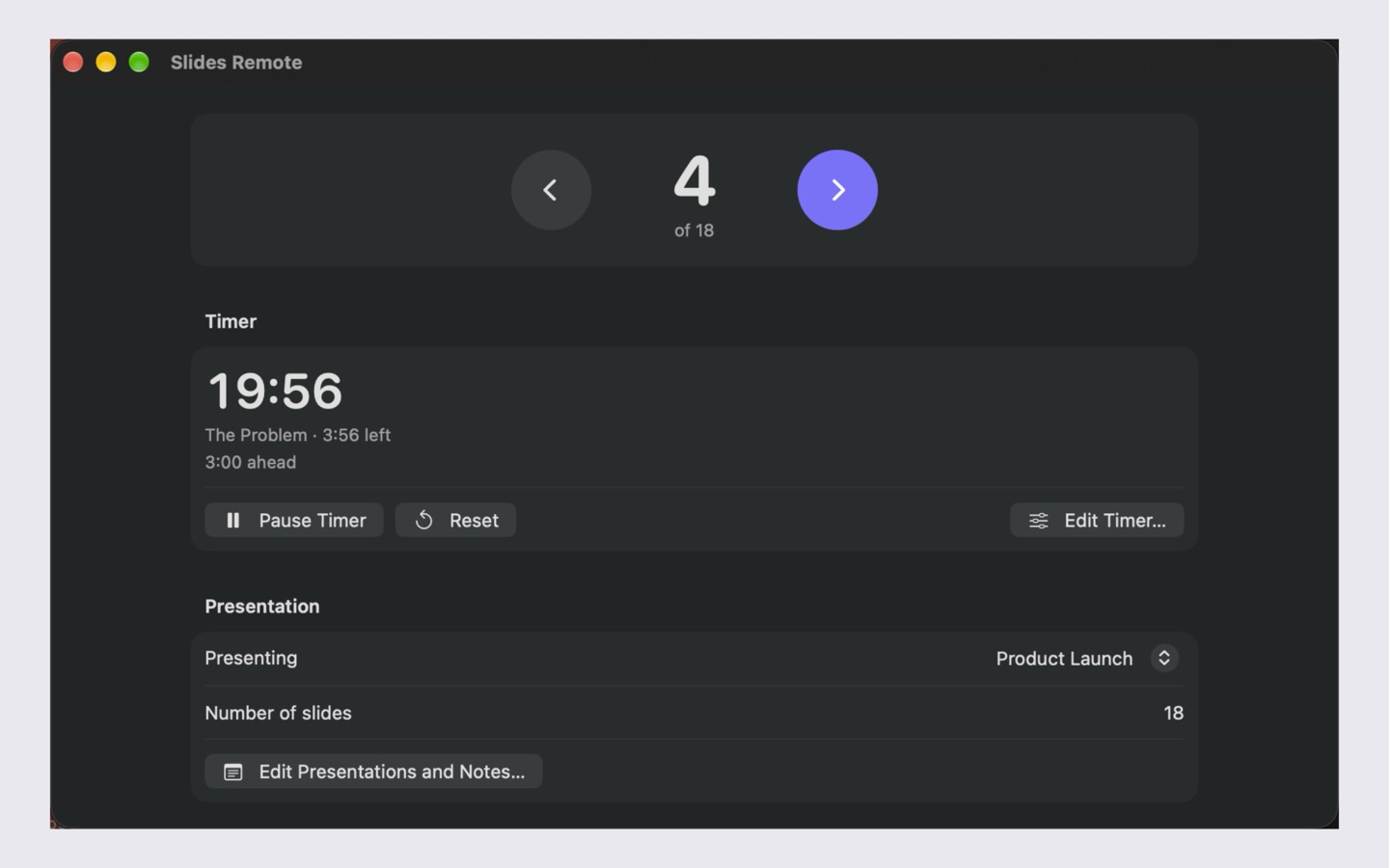
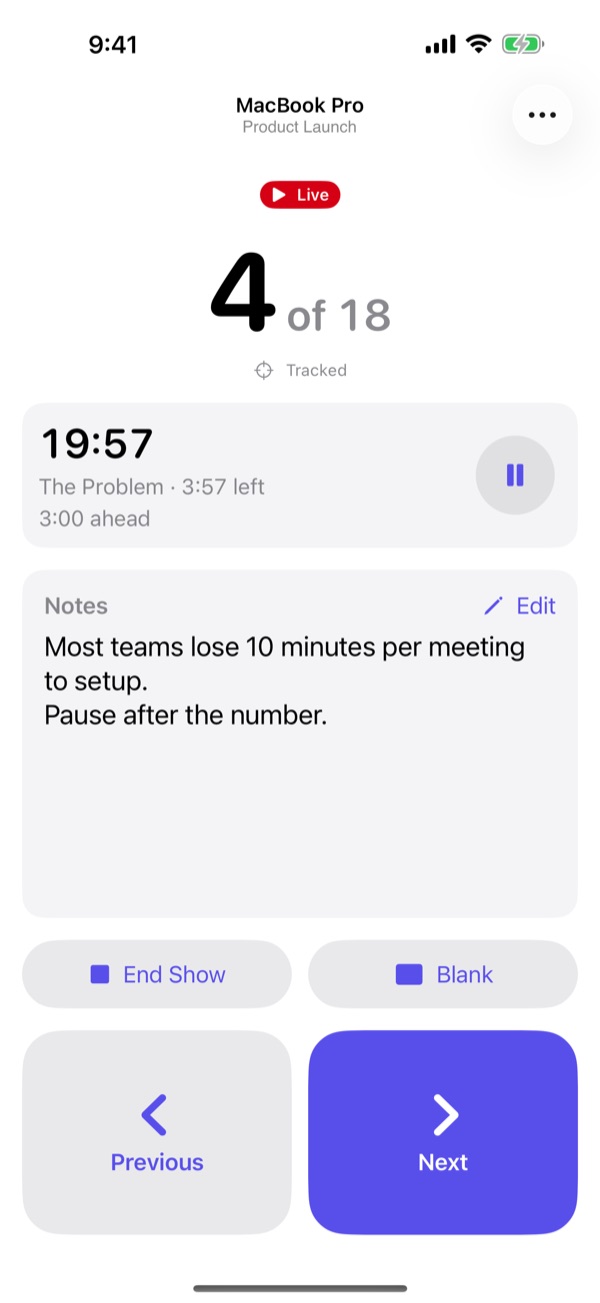
Press Start Show, then tap Next. The notes follow the slide and the timer tells you whether you're ahead or behind.
Keyboard works too: ← → to change slides, B to blank. The timer runs 20× faster than real life; watch for the wrist taps.
Slides Remote presses the same keys you would, so it works with the presentation apps you already use.
Keynote, PowerPoint, Google Slides in a browser, Preview and most other presentation apps.
Switches between them by itself. No internet, router or account needed, so it works on any venue's network.
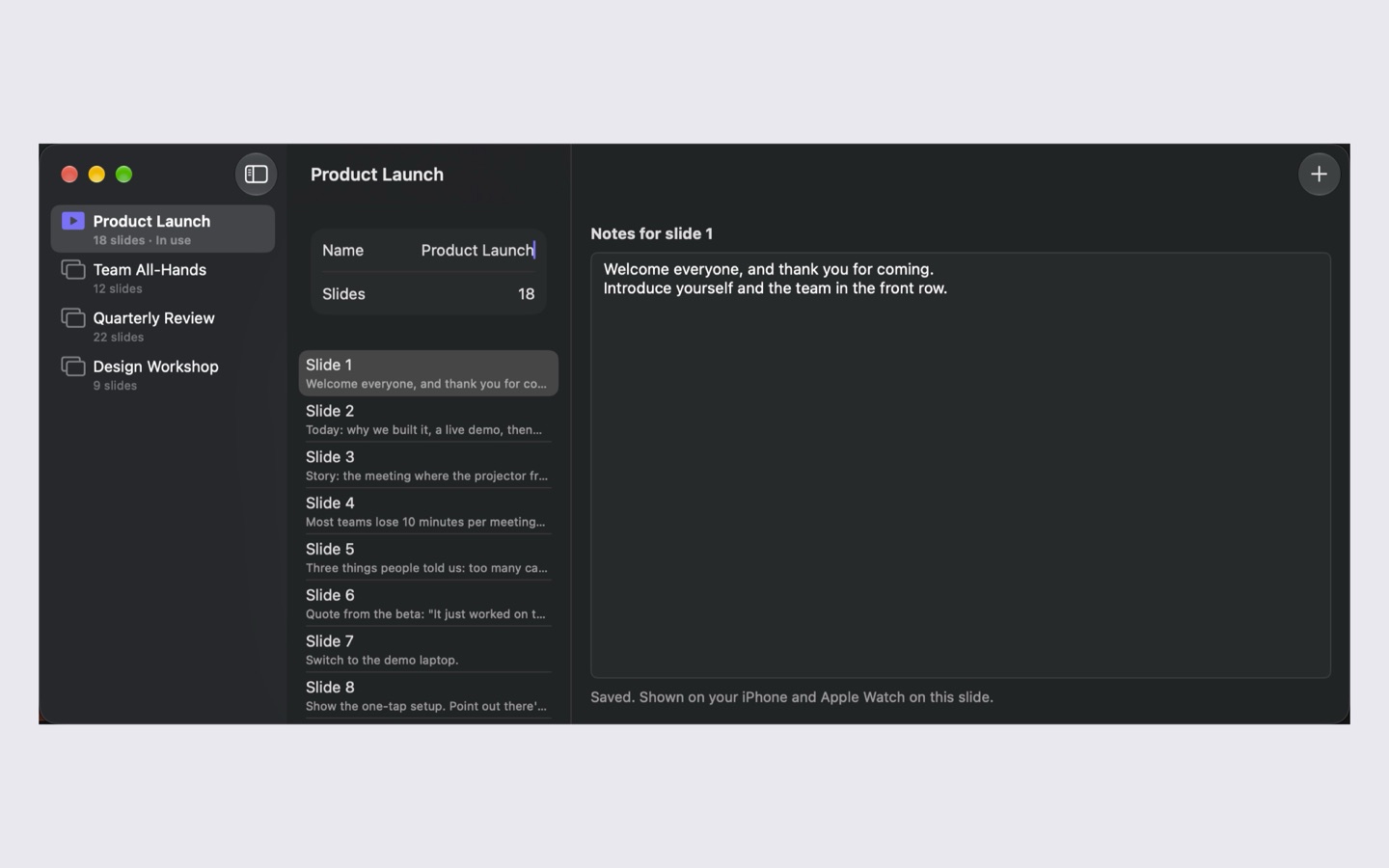
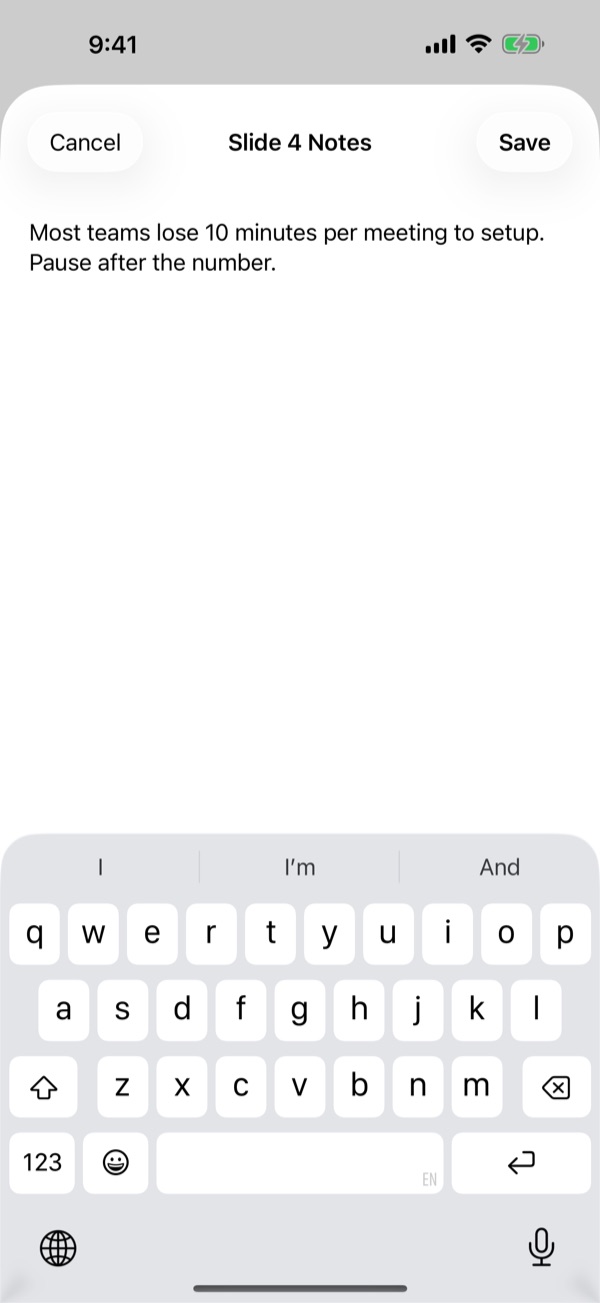
Write them on your computer or phone. They follow along as you present, on your phone and your wrist.
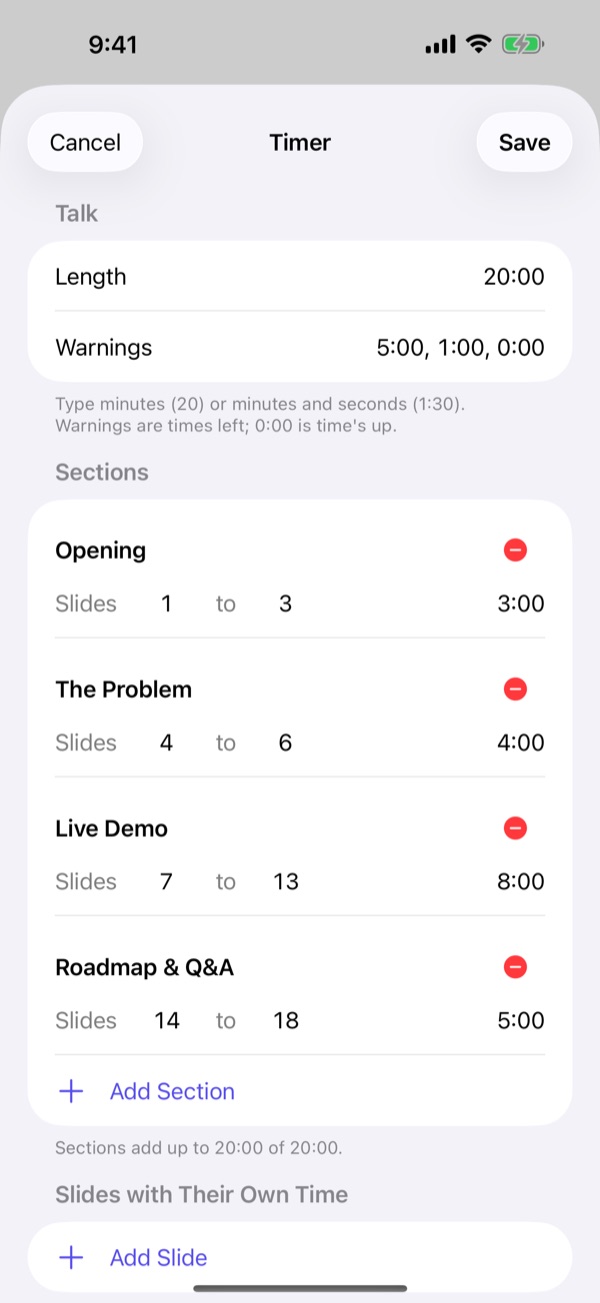
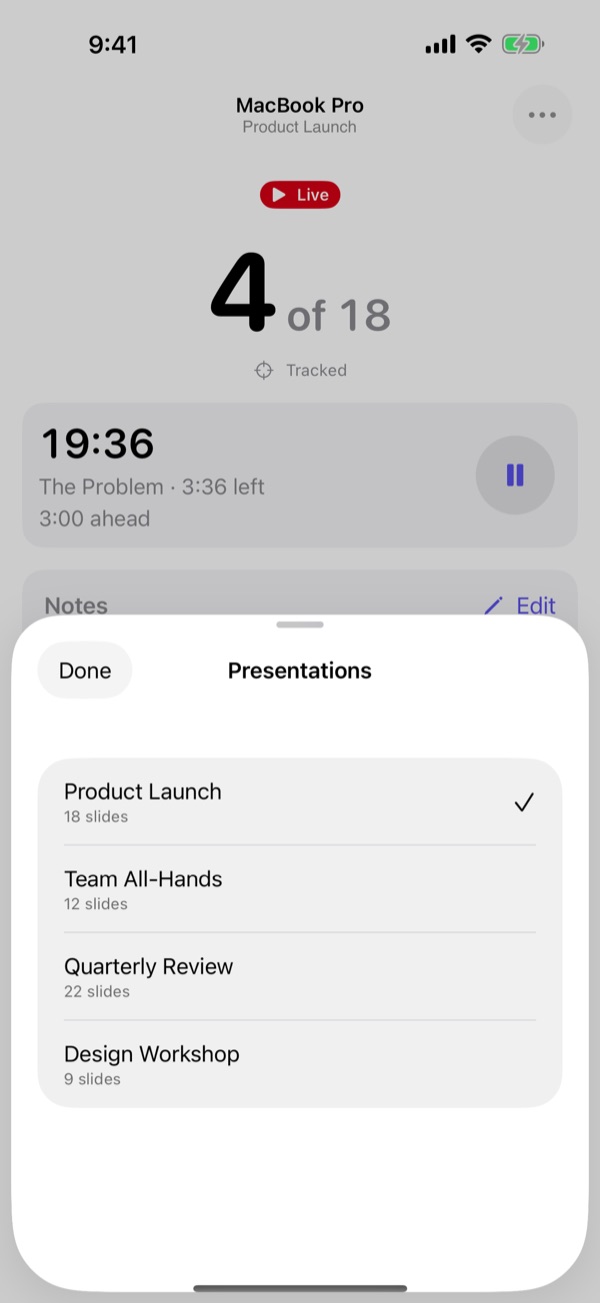
Set the talk's length, warnings and a budget per section. See at a glance whether you're ahead or behind.
Pair once with a six-digit code shown on both screens. Everything is encrypted, and nothing leaves your devices.
VoiceOver, Voice Control, Dynamic Type at the largest sizes, Reduce Motion and Differentiate Without Colour.

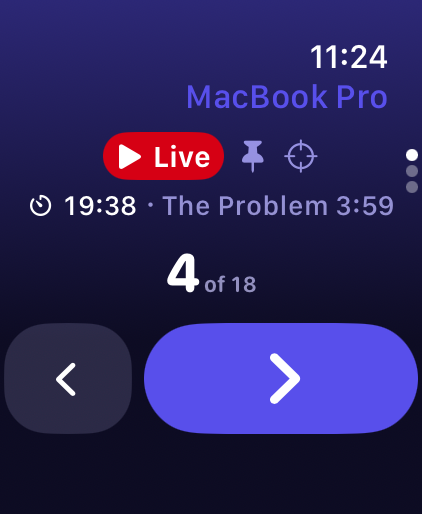
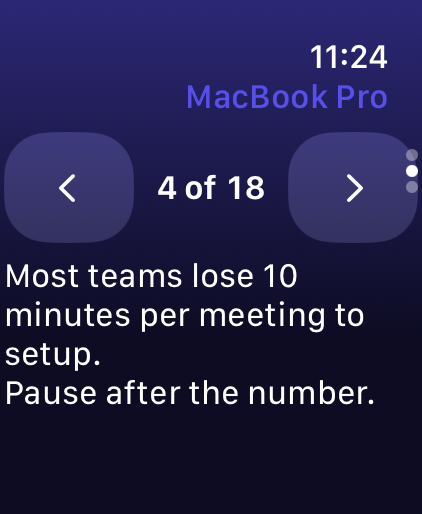
The slide number, the current section's time left, and what you meant to say, right above big Next and Previous buttons.
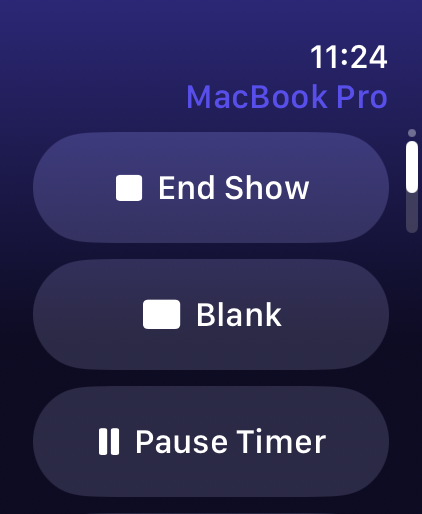
Change slides with a tap, the Digital Crown or Double Tap. Your watch taps your wrist at each timer warning and when a section runs over.
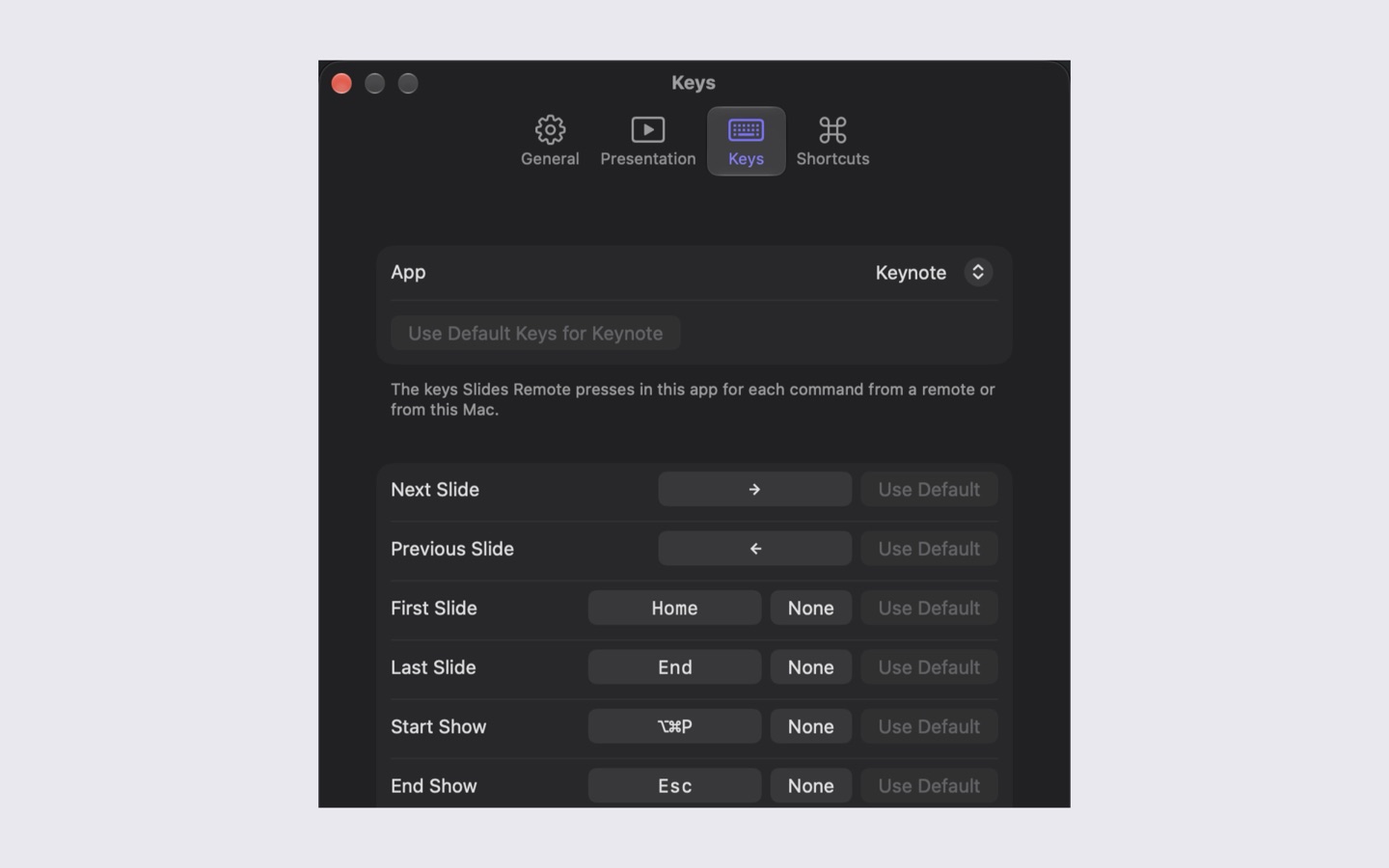
It sits in your menu bar or tray, keeps your computer awake while remotes are connected, and lets you choose the key each command presses, for each app.


No subscription, no ads, no account. Unlock notes and timers once if you want them.
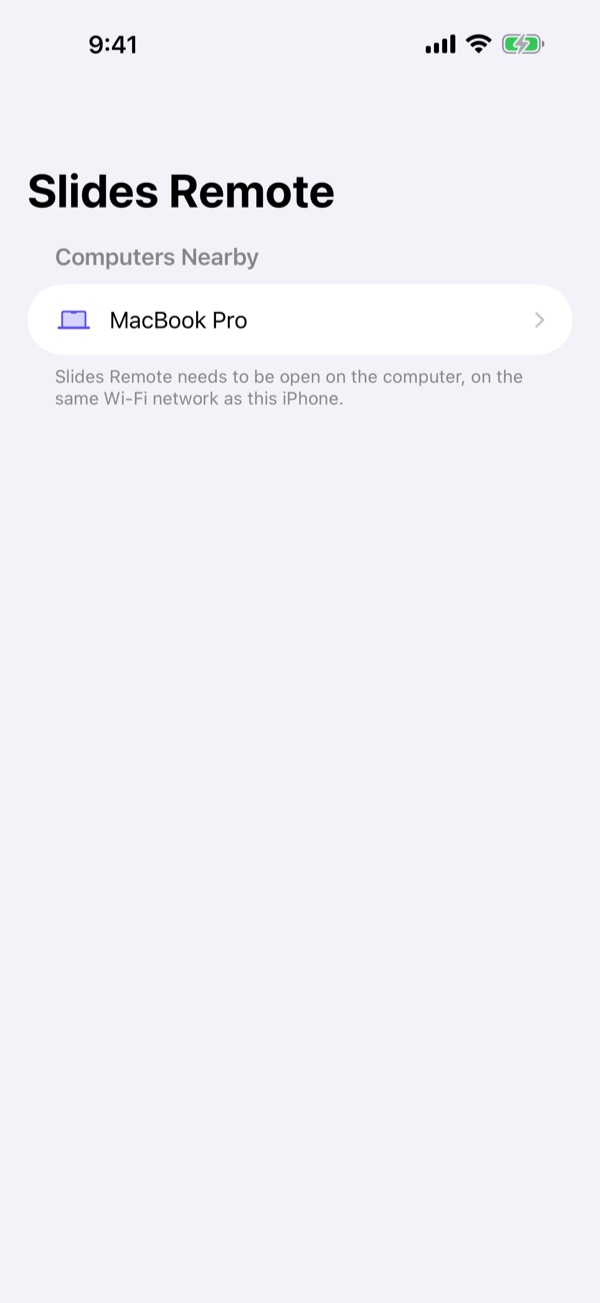
Install the free app on your computer, then a remote on your phone. Same Wi-Fi network, or within Bluetooth range.